Order from Home
Choose your meal. Pick it up when ready.
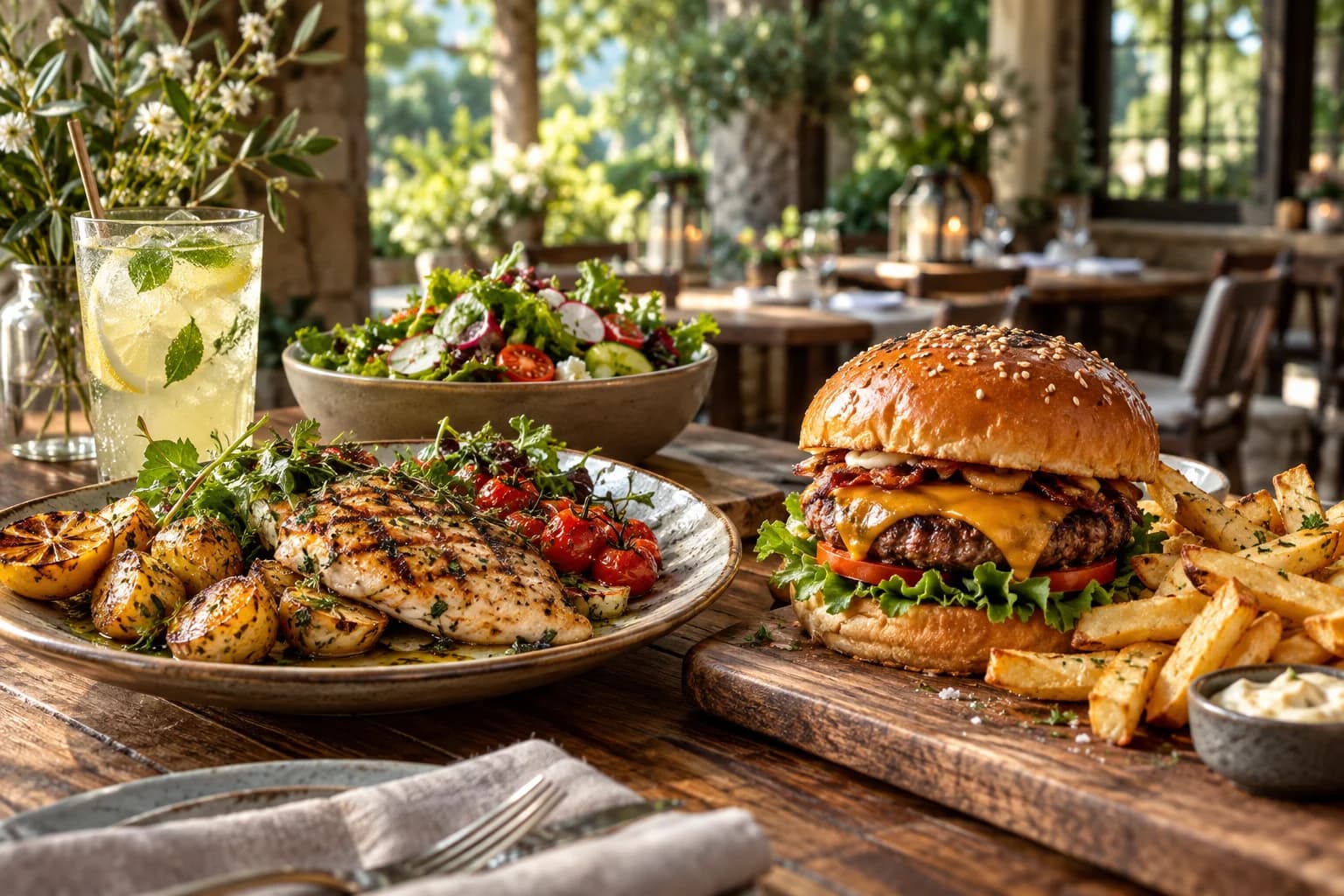
A smarter way to dine
Order ahead from home, scan at your table, or grab a meal to go. Explore the menu, customize your meal and pay with M-Pesa.
Ordering, payments, kitchen and management.
One connected restaurant platform.
 SCAN TO VIEW
Our Menu


GOOD FOOD, CLOSE BY
Order from home or right at the kitchen. Choose your food, collect it when ready, and enjoy it wherever you like.
Finding restaurants…
Dining in? Scan the QR code at your table to order from that restaurant.
Choose your meal. Pick it up when ready.
Scan the table QR. Order. Enjoy your meal.
Order at the kitchen. Collect and take away.
More time enjoying your meal
The customer journey
At home, at your table or at the takeaway counter: open the menu, choose your food and follow your order.
Find a restaurant, open its menu link or scan the table QR.
Explore dishes, choose a size and add extras.
Review the order and complete M-Pesa payment.
A verified paid order arrives with every detail.
For Restaurants
Bring your menu, tables and team together. Give your customers a modern dining experience and your kitchen a clearer way to work.
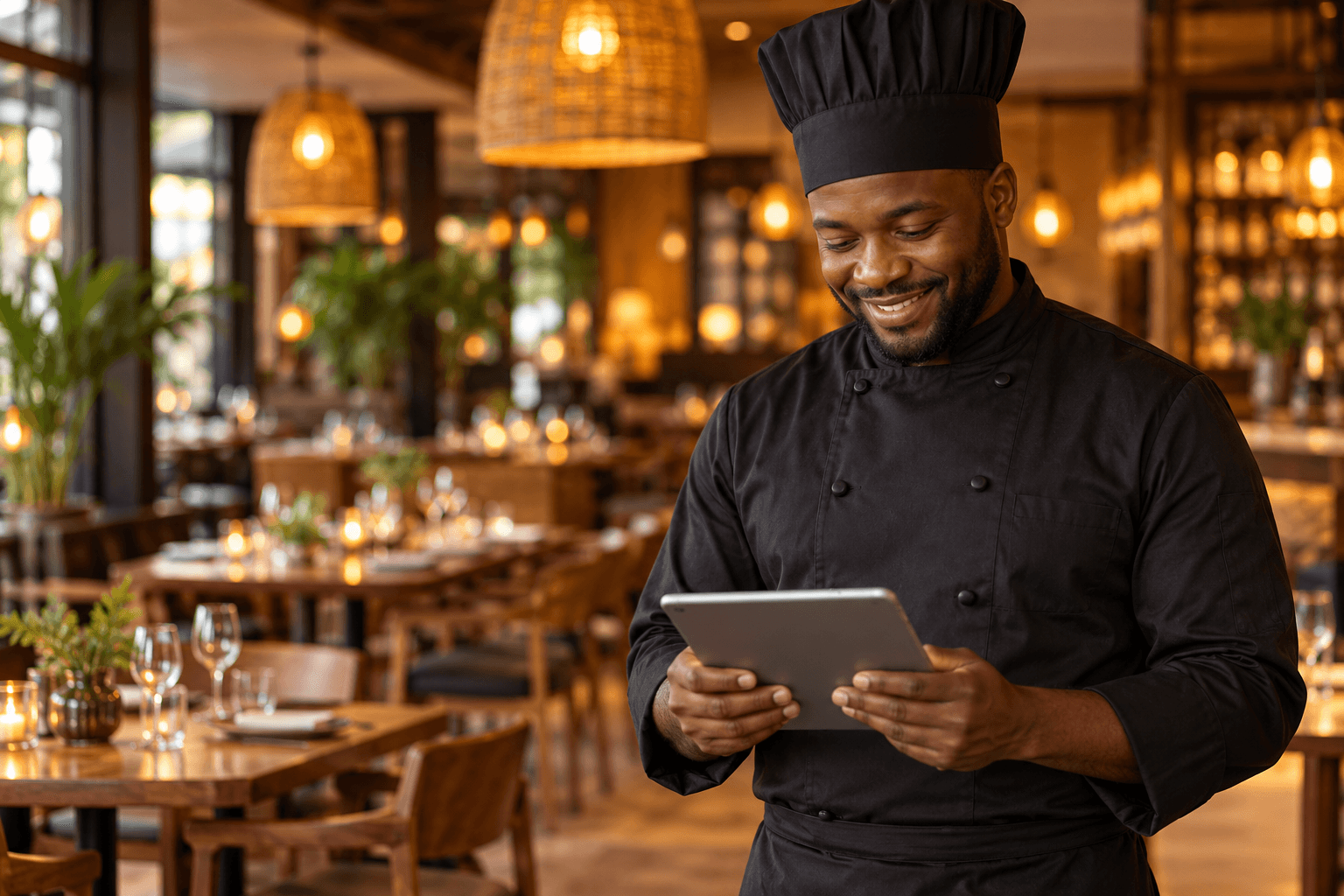
Table 081 × Gourmet Burger
Large · Extra cheese
Good food brings
people together.
Everyone connected
One experience for the people enjoying the food, preparing it and running the business.
A great meal starts with a great ordering experience.
Every detail, right where your team needs it.
The tools to keep your restaurant moving.
A closer look
Beautiful food images. Clear prices. All the choices that make a meal theirs. Your menu is always just a scan away.
Explore the menu demoGood food. Your way.
What sounds good?
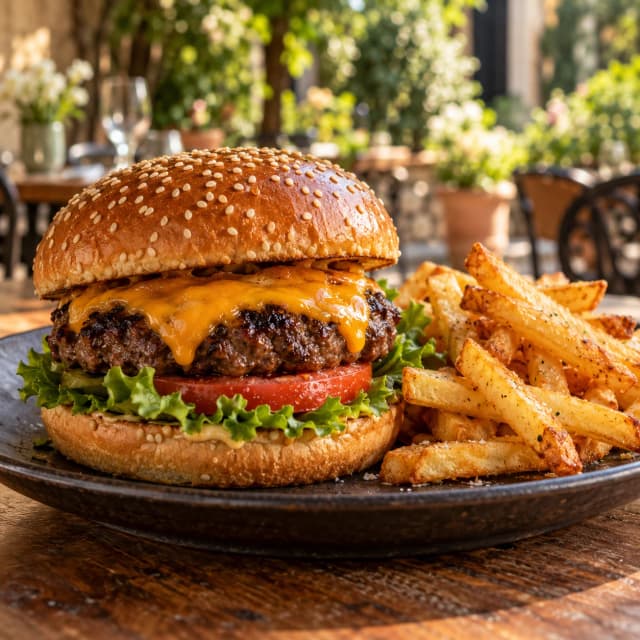
 Garden Salad
Table numbers, quantities and modifiers travel with every order. Your kitchen can see what’s incoming, what’s preparing and what’s ready.
Verified paid orders. Clear next steps.Incoming
1 × Gourmet Burger
Size: LargePreparing
2 × Gourmet Burger
Size: LargeReady
1 × Garden Salad
RegularUpdate the menu, organize tables, manage branches and give your team the access they need. Less back and forth. More control.
Bring your team togetherYour menu, up to date.
 Gourmet BurgerKES 500Garden SaladKES 450
 Fresh LemonadeKES 200
Options & add-ons
A larger burger. Extra cheese. A little avocado. Create options with clear prices so customers can personalize their meal and your kitchen knows exactly what to prepare.
Try customizing this burger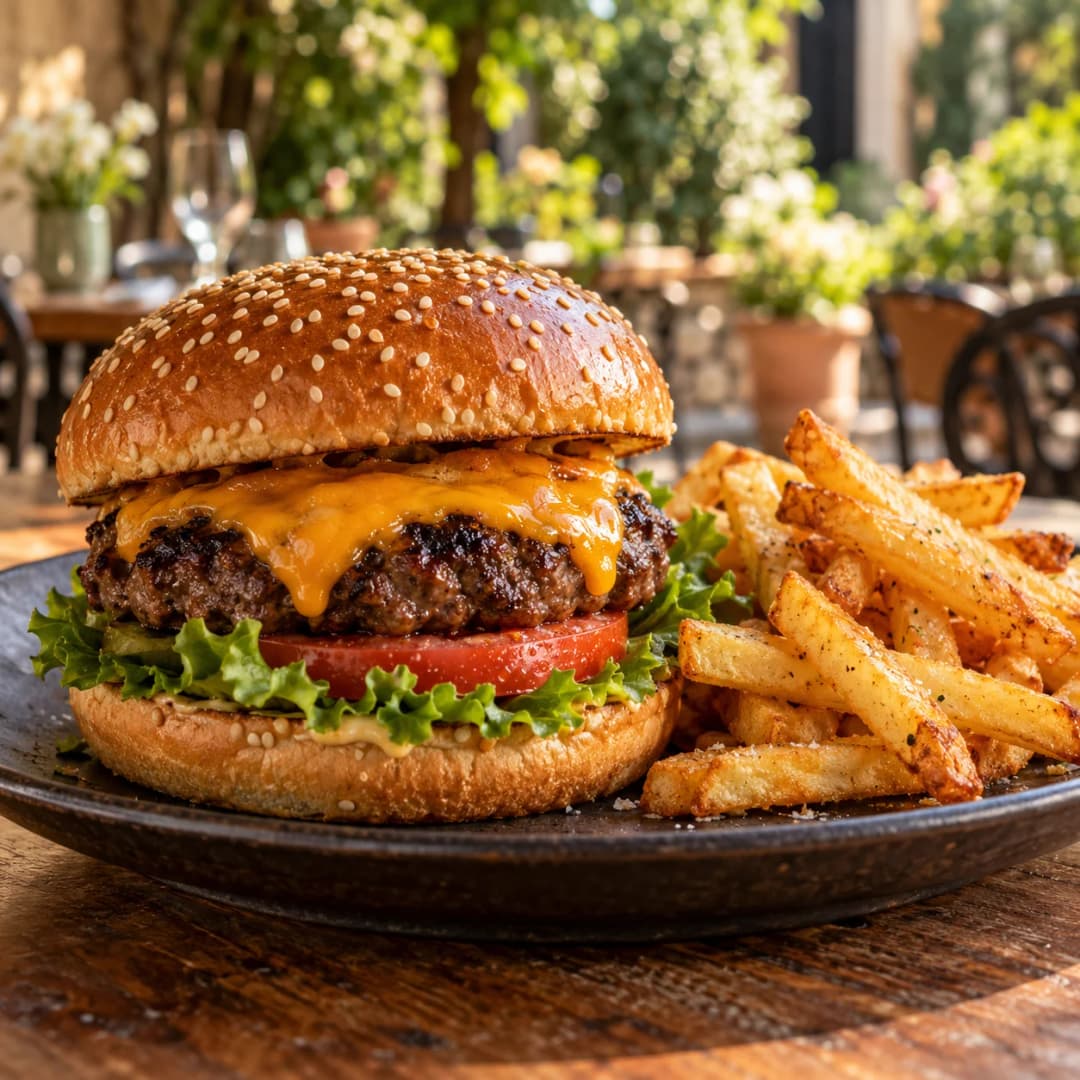
Payments, connected
Customers complete M-Pesa payment from the same experience they use to order. Once payment is verified, the order moves into the restaurant’s operational workflow.
Payment confirmed. Kitchen informed.Table 08 · Gourmet Burger
Room to grow
Bring your branches into one restaurant workspace. Keep menus, tables, staff and everyday operations organized as your business expands.
One workspace. A consistent way to work.
Better days, better service
Orders go directly from the customer’s selections into the restaurant workflow.
Customers don’t need to wait just to see a menu or begin ordering.
Modern ordering without asking customers to install an app.
Your menu, kitchen, staff and orders work together.
From setup to service
Ready to modernize your restaurant?
Get Started with Supa MenuLet’s find your fit
Tell us about your restaurant, branches and team. Let’s talk about the right setup for your business.
No. Customers open the menu in their phone’s browser by scanning the table QR code.
The table QR opens your restaurant menu. Customers choose dishes, customize their meal, review the order and pay. The table information travels with the order.
Yes. Manage branches, menus, tables and team access from your restaurant workspace.
Yes. Add sizes and extras with included or additional prices. Customers choose from the options you make available.
Yes. Authorized staff can update menu items, prices, images and options in the management workspace.
Yes. Customers can pay with M-Pesa as part of the ordering experience and follow their payment and order status.
Yes. The kitchen workspace shows incoming paid orders, table details, quantities, selected options and preparation status.
Yes. Roles and permissions give your team access to the tools and branches they need for their work.
Placed orders retain a record of item names, prices and selected options at the time of ordering. Later menu changes do not rewrite that order.
One platform. Every side of service.